
Pay-per-click (PPC) tracking is essential for measuring the performance of your advertising campaigns across platforms like Google Ads, Microsoft Advertising, and social media. When someone clicks on your ad, you pay for that interaction. PPC tracking helps you understand not just who clicked, but how those clicks contribute to meaningful outcomes such as sales, leads, or other conversions.
The goal is simple: understand which ads, keywords, and campaigns are driving results, so you can optimise your efforts and allocate your budget effectively. Without tracking, you’re essentially guessing which parts of your campaigns are performing.
Why PPC tracking matters
Tracking PPC campaigns offers several advantages:
~ Optimise ads: Adjust keywords, targeting, ad copy, and bidding strategies to improve performance.
~ Budget efficiency: Identify high-performing campaigns and allocate resources where they generate the most ROI.
~ Competitive insights: Monitor what competitors are doing and adjust your own strategy accordingly.
Effective tracking provides a clear view of your campaigns’ performance and informs smarter, data-driven decisions.
Key PPC metrics to monitor
Several metrics are essential for evaluating PPC success:
~ Clicks and click-through rate (CTR): Shows how many people are engaging with your ads and how compelling your messaging is.
~ Impressions and average position: Indicate visibility and placement of your ads on search results pages.
~ Conversion rate: Measures the percentage of clicks that lead to a desired action, such as a purchase or signup.
~ Website visits and app interactions: Track how users engage with your site or app after clicking your ads.
~ Phone calls and offline conversions: Useful for businesses that rely on phone leads or in-person transactions.
~ Quality score: Google’s assessment of your ads’ relevance and effectiveness, impacting costs and placement.
Monitoring these metrics consistently allows you to identify opportunities for optimisation and ensure your campaigns are delivering results.

Setting up PPC tracking
Use Google Ads conversion tracking to measure actions like purchases, sign-ups, or leads. By integrating with Google Analytics or Google Tag Manager (GTM), you can track the customer journey from ad click to conversion. GTM simplifies implementation, allowing you to manage tags and triggers without manually coding every page.
Similar to Google, Microsoft Advertising uses Universal Event Tracking (UET) tags to monitor conversions. Once installed, define your conversion goals, assign monetary values if relevant, and track performance across campaigns. Integration with GTM can streamline the process.
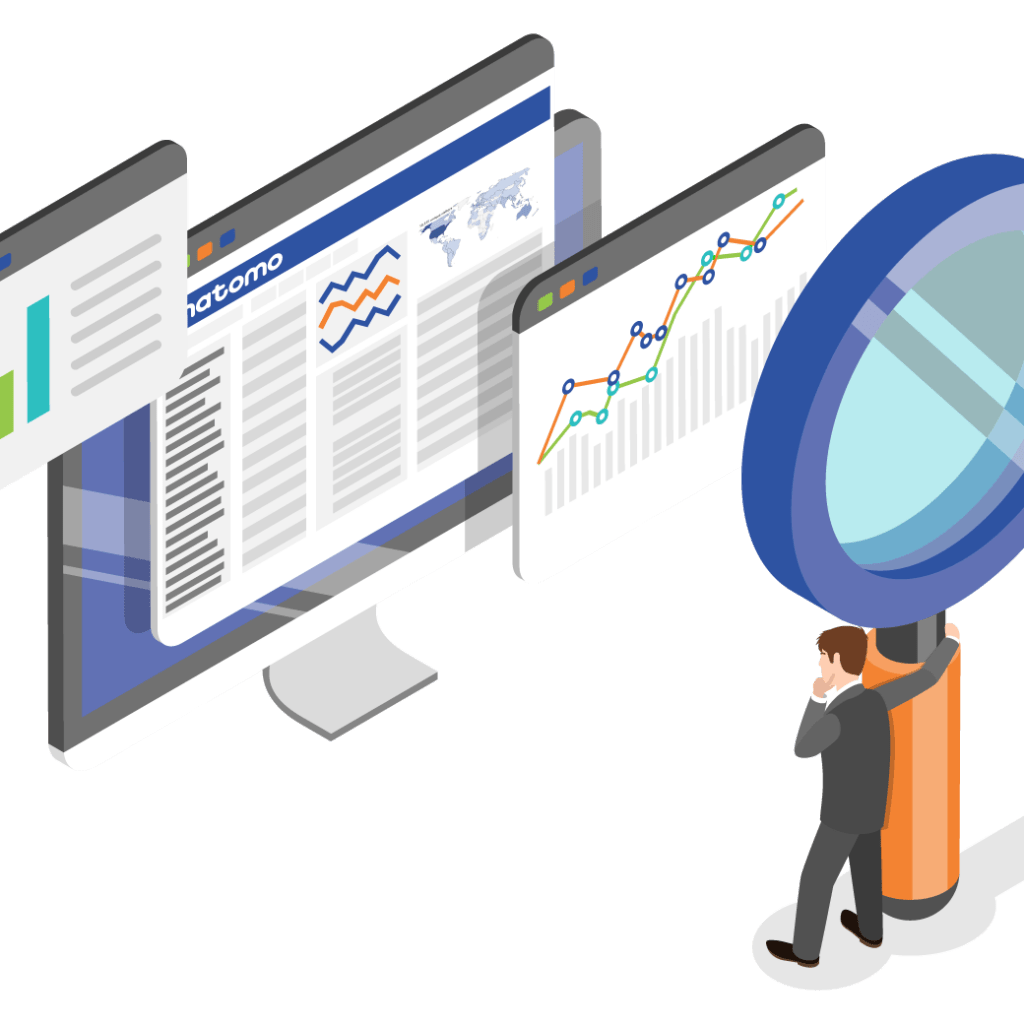
Google Analytics helps compare PPC performance across channels, including search engines, social media, and display campaigns. By creating comparisons, you can isolate PPC traffic, measure engagement, and evaluate the effectiveness of different devices or user segments.
Making PPC tracking actionable
Tracking alone isn’t enough. You need to interpret the data and act on it. This means:
~ Refining keywords and ad copy based on performance trends.
~ Adjusting bids to maximise ROI on high-performing segments.
~ Identifying underperforming campaigns to pause or reallocate budget.
~ Understanding cross-channel impact and the full customer journey.
With a robust PPC tracking framework, your campaigns become smarter, more efficient, and more profitable.
The bigger picture
PPC tracking is more than clicks and conversions; it’s about understanding how your audience engages with your brand and where your investment delivers the highest returns. Accurate tracking empowers marketers to optimise campaigns, scale successful strategies, and maintain a competitive edge in a constantly evolving digital landscape.